
Head-to-head play for two players
Friend Challenges: Online Games for Two
Looking for a game to challenge a friend on another phone? In Wamd, choose a game and enter the match using an invitation code. Play in a phone or computer browser, or in the latest Android app.
Open Wamd and Start a Friend Challenge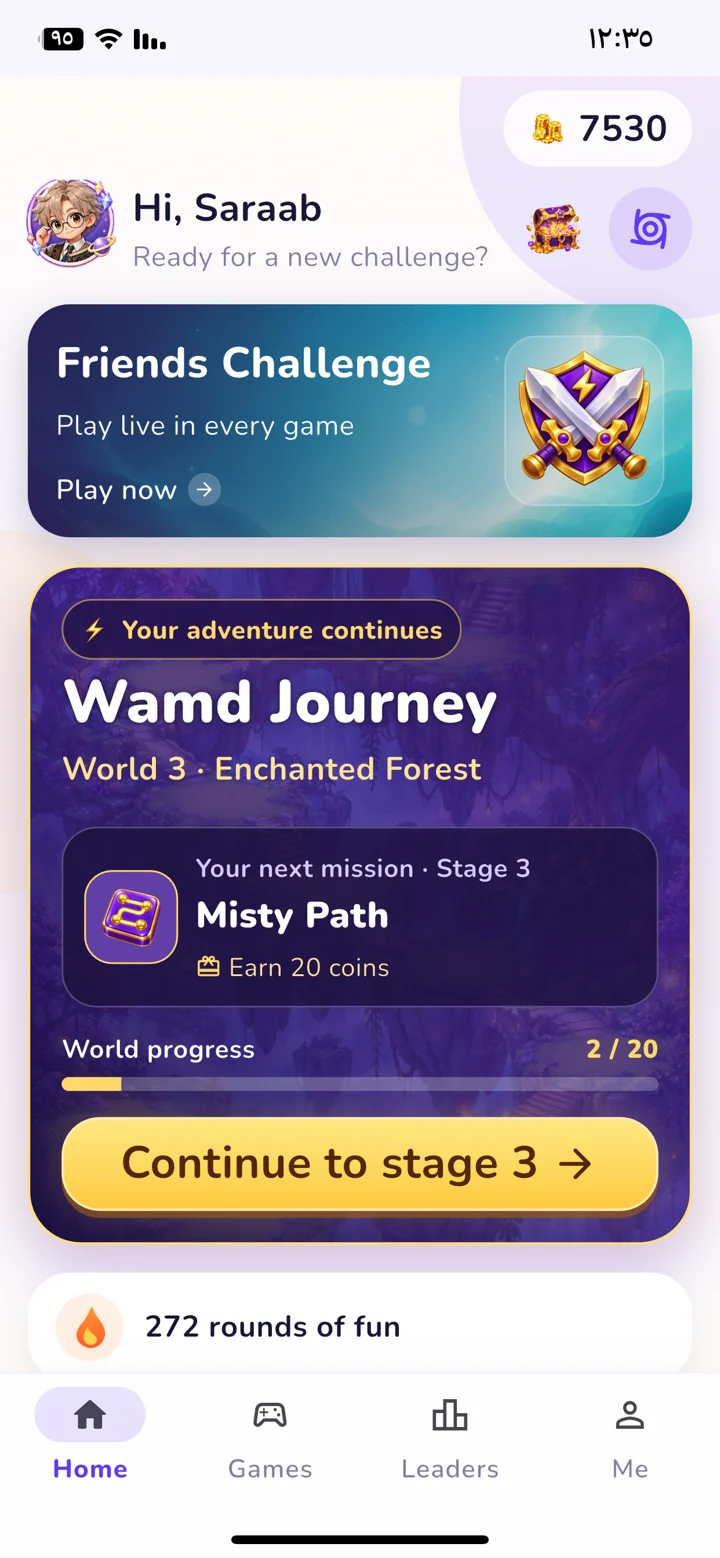
How Do You Challenge a Friend?
- Open Wamd, sign in, and choose Friend Challenges.
- Choose a game and tap Create invitation.
- Share the code with your friend. They open Friend Challenges and choose Join with a code.
- Both players tap “I'm ready.” A countdown starts, followed by a round for both of you.
Matches require an internet connection and two separate accounts. Make sure you both use the latest version to access the same original games.
Which Games Can You Challenge a Friend In?
- Name, Animal, Plant, Object, Country: one letter, 90 seconds, and 20 points for each correct word.
- General Knowledge Questions: 7 shared questions with 15 seconds each, followed by a review of both players' answers.
- Block, Memory, Path, Picture Puzzle, and Spot the Difference use the original game on a shared board. The winner is determined by goal completion, then time.
Can You Play Together on a Phone and Computer?
Matches are available in the browser and Android app. One player can use a browser while their friend uses the latest Android app. You do not need to sit at the same device.
How Do You See the Result?
Both players see the match result. In Letter Challenge, you can review accepted and rejected words. In Knowledge Challenge, the correct answer and each player's choice appear after the match.
 01
01Knowledge Challenge
You know more than you think.
Explore the game 02
02Letter Challenge
One letter. Endless ideas.
Explore the game
KEEP THE CHALLENGE CLOSE
Your next round is one tap away.
Get Wamd on your phone. Or open it in your browser and choose your game.
Play in your browserOptional in-app purchases. Some features require an account and internet.