
Guides for playing with friends
Short answers to common questions about Wamd games and friend challenges.
Play in your browser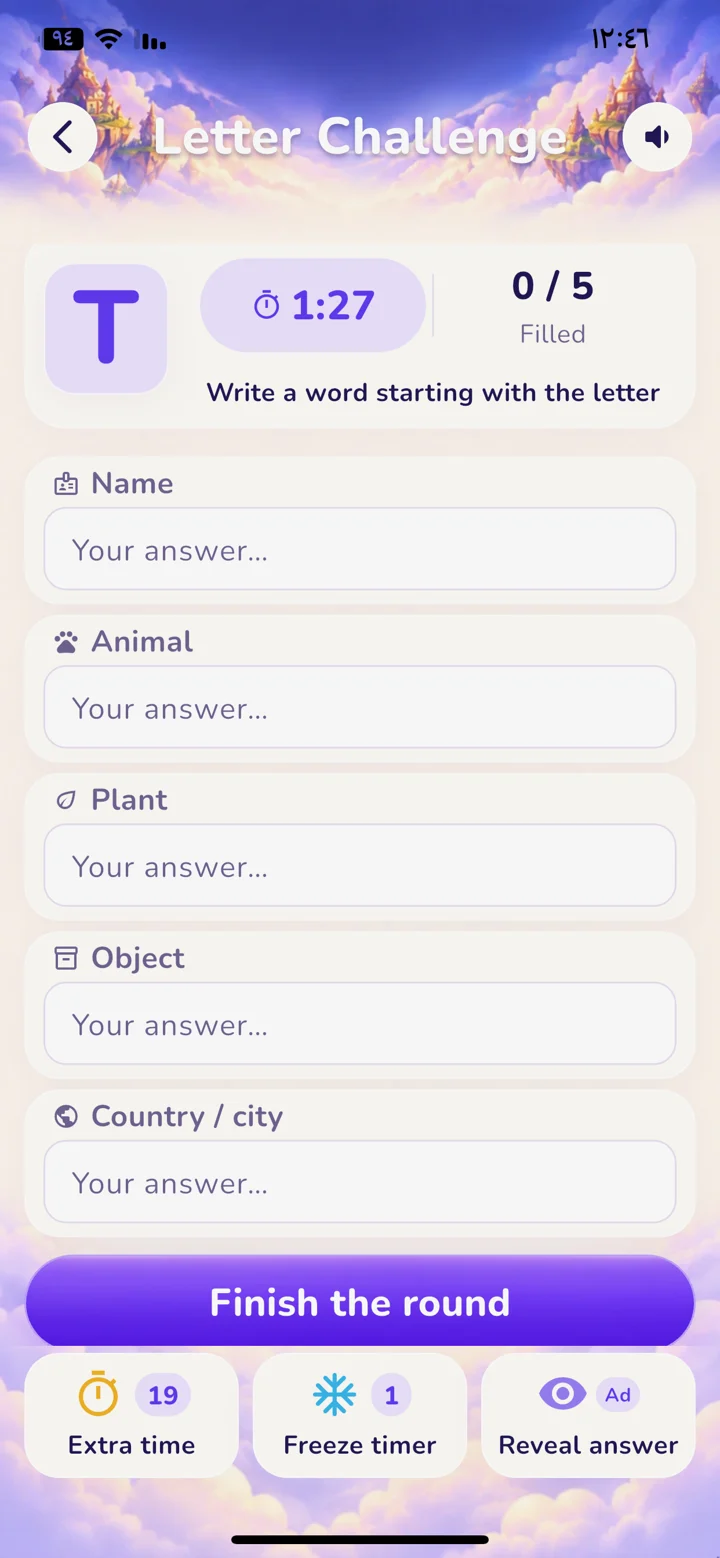
- Two-player online games, no download
In Wamd you pick a game and join the match with an invite code. Each of you can play from a phone or computer browser, or from the latest Android app, and you do not need to sit at the same device.
- How do you invite a friend to play?
Create an invitation from Friend Challenges inside Wamd, then send the code to your friend in any messaging app. You can also send a link like wamdworld.com/en/join/CODE so they see the code and the joining steps at once.
- Rules of Name, Animal, Plant, Object, Country
One letter appears and you write a word that starts with it in five categories: person, animal, plant, object, and country or city. In a Wamd friend match you have 90 seconds and each valid answer is worth 20 points, so the top score is 100.
- A general knowledge quiz to play with friends
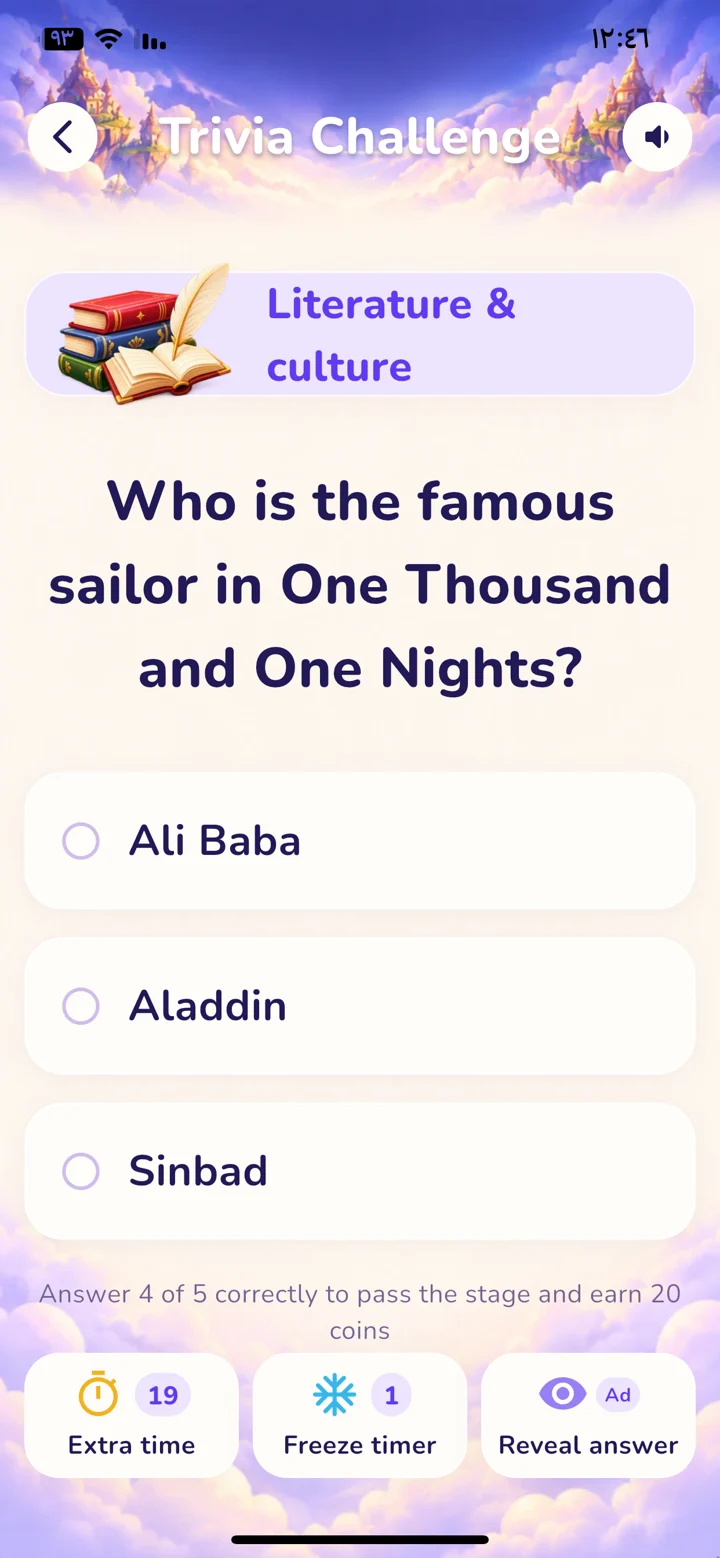
In a friend match both players get the same 7 questions and 15 seconds for each. Every correct answer is worth 20 points, and the answer details appear after the match ends.
- How do you spot differences between pictures quickly?
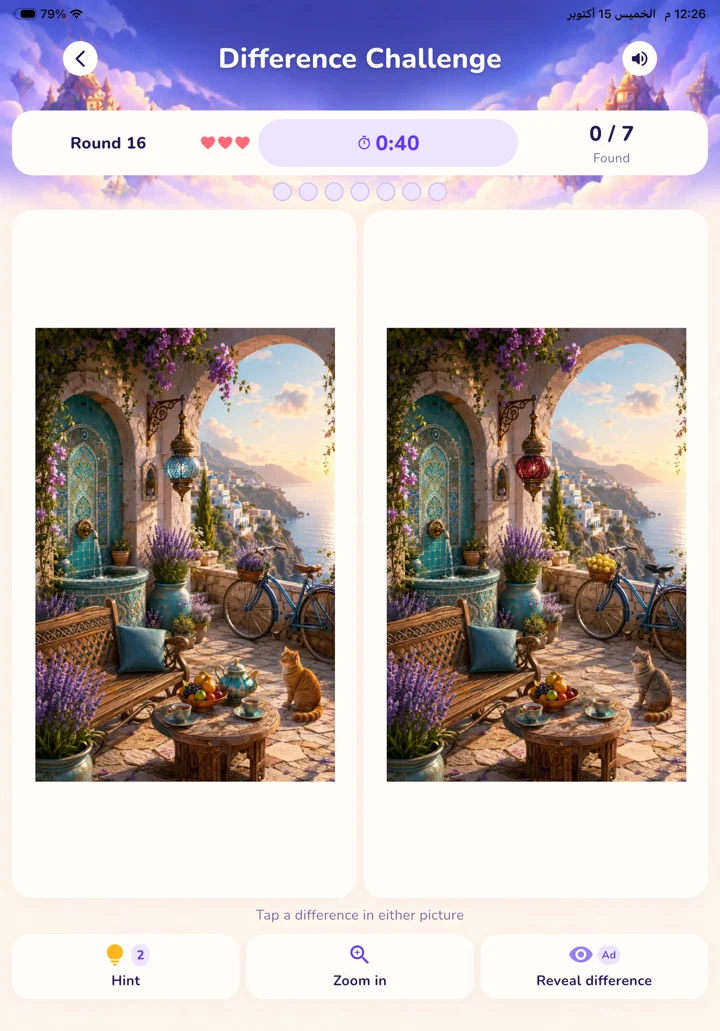
Split the picture into zones (top, middle, bottom) and compare one zone at a time instead of jumping around. Watch the number of objects, shadows and outlines, not colors alone.
- Free Arabic games, no download
You can start playing Wamd for free in your browser without downloading the app. Optional purchases exist inside Wamd, and some features such as matches and saved progress need an account and an internet connection.
- Printable activities for kids (PDF)
Wamd books are printable activity books for children aged 6 to 9: mazes, puzzles, spot-the-difference and coloring, with stickers and rewards. You can try a free PDF sample of each book before you decide to buy.
- Worksheets and activities for kids aged 6 to 9
At this age short, fun activities work best: mazes, puzzles, spot-the-difference and coloring. Keep the session short and finish with a small reward such as a sticker, so your child asks for the next activity.
- My child is bored: 8 screen-free activities
Start with a short activity instead of a big one: a maze, a spot-the-difference page or a coloring sheet, then let your child choose the next one. Ready-to-print activities save you preparation time and stay close at hand when they say "I'm bored".

KEEP THE CHALLENGE CLOSE
Your next round is one tap away.
Get Wamd on your phone. Or open it in your browser and choose your game.
Play in your browserOptional in-app purchases. Some features require an account and internet.